
Video Editing Content
The Best Video Editing Software for 2026

Video Editing Content
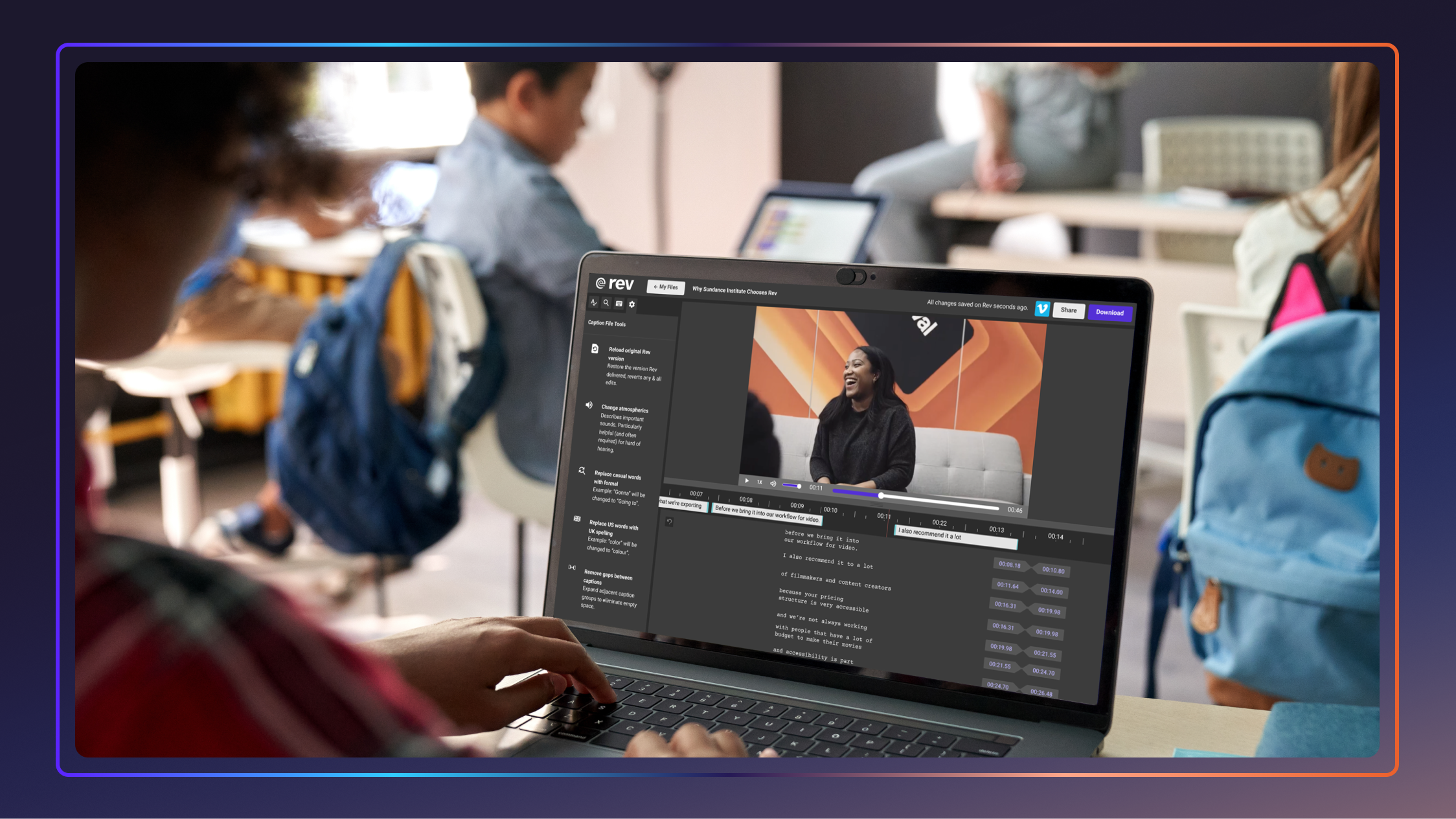
Video Accessibility Checklist For Schools + Universities
Learn how to make your educational video content accessible to all students and download our free video accessibility checklist to ensure ADA compliance.
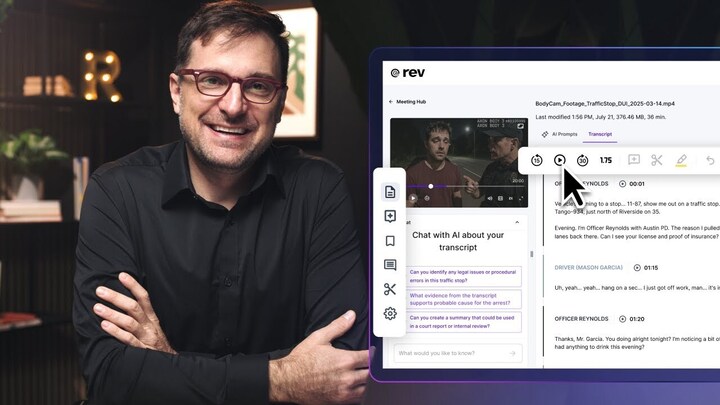
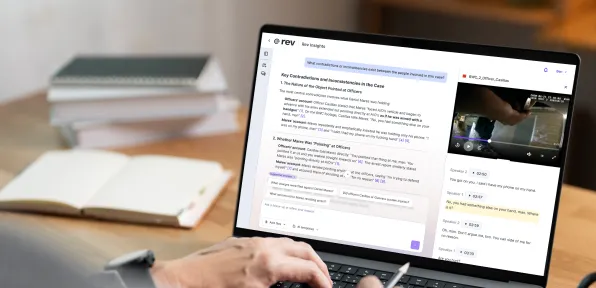
Rev's Transcript Editor Overview
Rev’s transcription editor allows you to refine, analyze, and share your transcripts with ease. Get the most out of your transcripts with this guide from Rev Academy.

Video SEO: How to Increase Video Views and Rankings
Video SEO can greatly improve the rankings of your video content. Let’s look at what makes a good video and how to incorporate it into your SEO work.
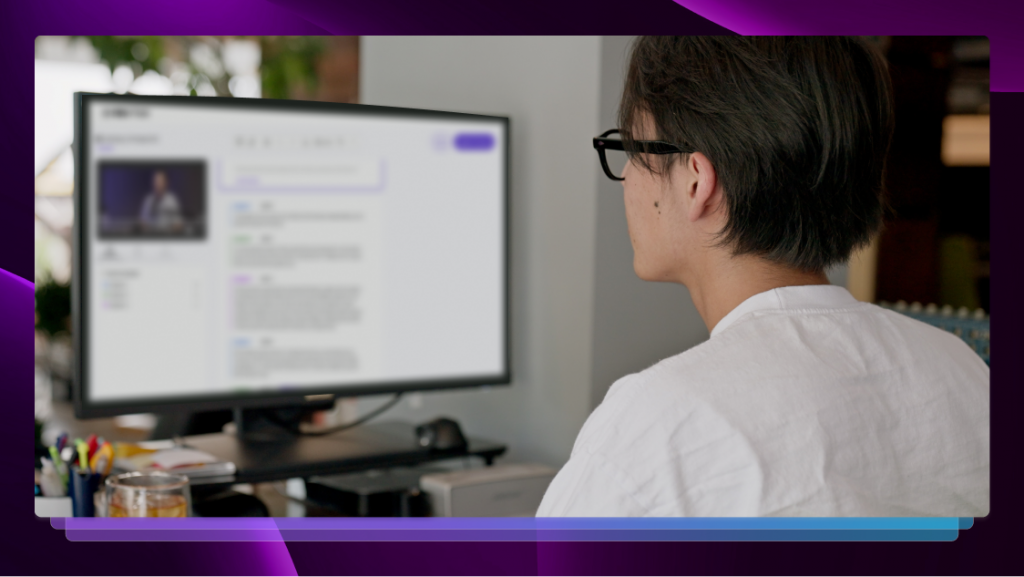
How to Transcribe a Video 5 Ways
There are many reasons you might need video-to-text transcription. Learn how to transcribe a video with our guide.

Closed Captioning Guidelines and Rules: We’ve Got You Covered
From the history of closed captions to best practices when captioning your content, Rev’s closed captioning guidelines have you covered.

How to Improve Audio Quality Before, During, and After a Recording
Rev walks you through how to improve audio quality before, during, and after a recording for optimal audience enjoyment and exposure.

The Best Colors for Text on Screen (+ Other Accessibility Tips)
Check out Rev’s guide to the best colors for text on screen, including web copy, captions, and subtitles. Plus other accessibility tips!
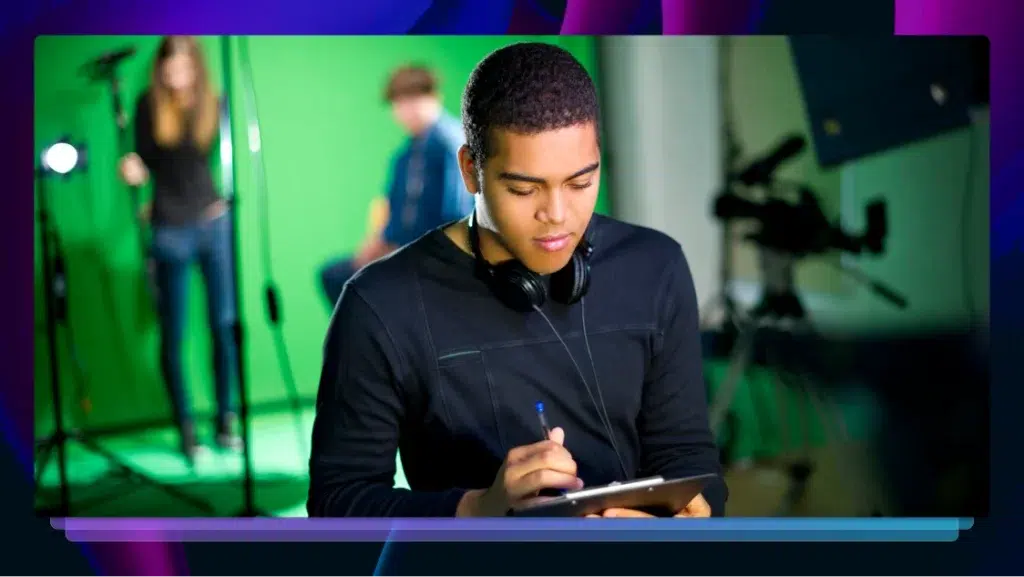
10 Video Marketing Trends for 2026+
Video content is everywhere. Let’s look at some of the most important video marketing trends to incorporate into your strategy.

How to Upload a Video to YouTube on Mobile and Desktop
It’s easy to do YouTube uploads from your mobile device or computer. Learn how to start sharing videos in a few simple steps.

13 YouTube SEO Tactics to Boost Your Viewership
Want to optimize your YouTube SEO strategy? Start with these 13 tactics that will help your video skyrocket to the top of YouTube.
16+ Video Marketing Tools to Boost Engagement & Reach
Unlock the power of video marketing to engage audiences and boost reach. The experts at Rev give you insight into the best video marketing tools available!
The Best Video Editing Software for 2026
Make your job easier by choosing the best video editing software with Rev’s comprehensive breakdown of the best available options.
How to Add Fonts to Premiere Pro for Subtitles & Captions
Follow these simple steps for downloading and adding new subtitle and caption fonts to Adobe Premiere Pro, no matter what device you’re on.

Best Fonts for Captions and Subtitles in Videos
Make your subtitles easy to read. Discover 7 of the best fonts to use for captions in videos, to get clear and professional text on any screen.
Premiere Pro Subtitles & Captions: How to Add
Editing in Adobe Premiere Pro? Learn how to add subtitles or closed captions step-by-step, so your video content remains accessible to all.

Is Your Team Wasting Time Editing Videos?
Video editing can be a tedious process. Find out if your team is wasting time editing videos and learn how to fix it right here.

12 Ways to Repurpose Video Transcripts
How do you maximize your video marketing efforts? By marketing transcripts! Here's 12 ways to utilize video transcripts for maximum gain.
How to Add Captions and Subtitles in Final Cut Pro
Add captions or foreign language subtitles in CEA-608 (SCC) format in Final Cut Pro X. Export as a sidecar or embeded in media.
How to Add Captions and Subtitles in iMovie
Learn how to add captions and subtitles to your videos in iMovie in 2021. These captions will render directly on your video export from iMovie.
How to Add Captions & Subtitles to a Facebook Video
Here are the steps it takes to upload captions & subtitles to your Facebook videos. We guarantee 99% accuracy on all captions.

How to Add Captions and Subtitles to Instagram Videos
Learn how to add captions to Reels for better accessibility, mute-friendly viewing, and stronger engagement using Instagram tools or burned-in subtitles.
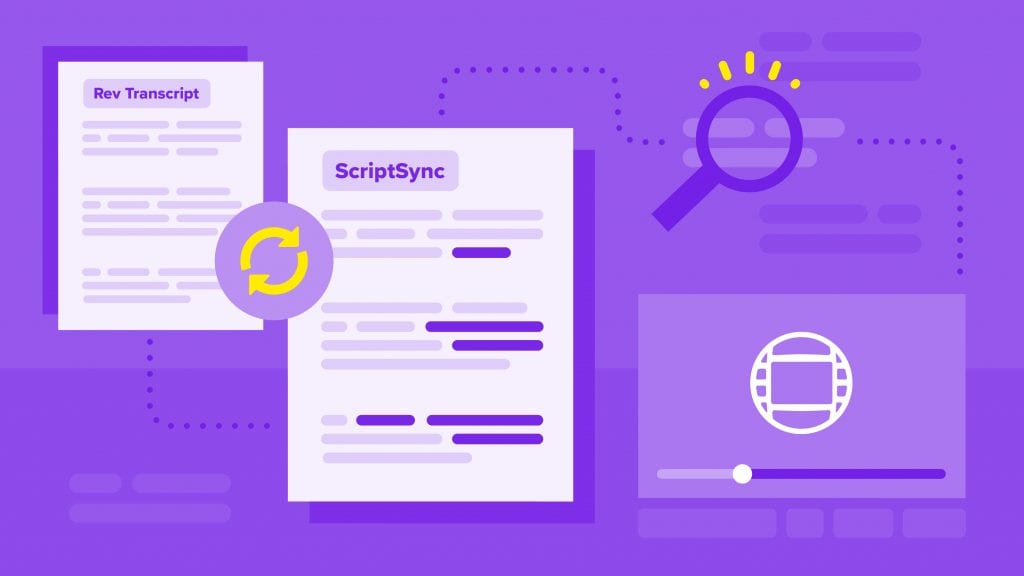
How to Edit with ScriptSync Transcripts in Avid Media Composer
Script-based editing with Avid ScriptSync in Media Composer will help you search and find the best soundbites to edit video footage faster.
How Captions and Transcripts Boost Engagement with Videos
Creating engaging video content is a must for almost any brand. Learn how captions and transcript can help you boost that engagement.

How to Add Captions and Subtitles to LinkedIn Videos
Learn how to engage with a larger audience by adding closed captions or subtitles to your videos on LinkedIn.
How to Import an Edit Decision List (EDL) into DaVinci Resolve Studio
In this guide, we’ll cover how to import an EDL into DaVinci Resolve Studio, and how Rev's transcript editor can help you get the job done.
How to Import an Edit Decision List (EDL) into Final Cut Pro X
Learn how to pull selects from a Rev Transcript, export an Edit Decision List (EDL), and make a selects sequence in Final Cut Pro.
How to Import an Edit Decision List (EDL) into Adobe Premiere Pro
Learn how to pull selects from a Rev Transcript, export an Edit Decision List (EDL), and make a selects sequence in Adobe Premiere Pro.
How to Edit YouTube Videos on a Budget
Learn how to edit YouTube videos with free and low-cost tools, plus practical tips for trimming footage, improving pacing, and adding captions.
Guide to Captioning and Subtitling Online Courses & eLearning Videos
Our guide covers how to add captions and subtitles to your eLearning videos in online courses regardless of the chosen learning platform.

Best Subtitle & Closed Caption Apps for Adding Text to Videos
Looking for a simple way to caption videos? Check out top apps that let you quickly add subtitles and closed captions—no advanced software needed.
Your Step by Step Guide: How to Add Burned-in Captions to Videos Successfully
Learn how to add burned-in captions to videos with Rev. Creating open captions has never been easier or faster.
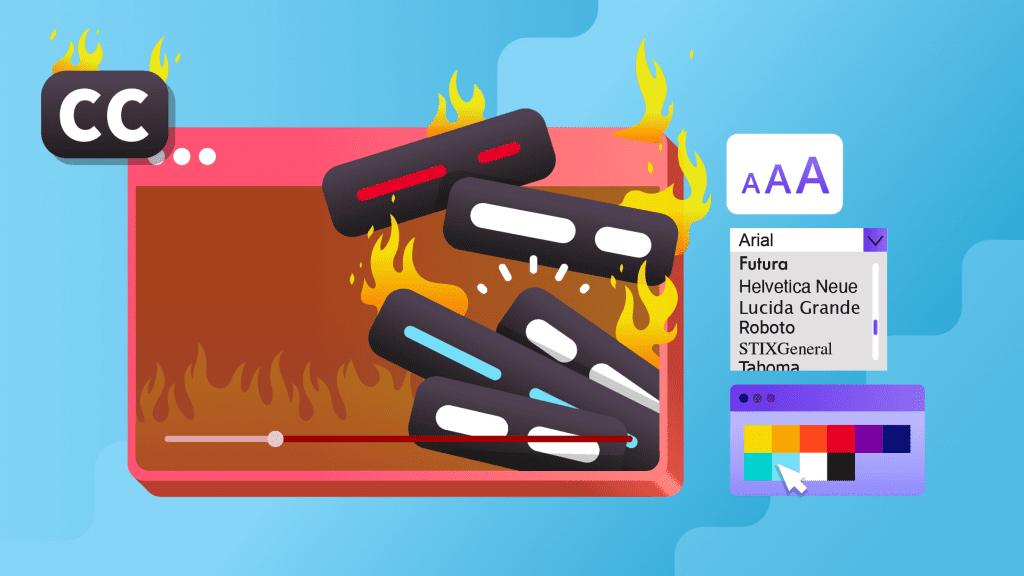
See Exactly How Rev Open Captions (Burned-In Captions) are Now Customizable
We're excited to announce that you can now customize the color, font, and background styles of your burned-in Rev Open Captions!

Simple Steps to Record A Church Service For Online Viewing
A church service recording or a church sermon recording is a perfect tool to keep your members connected when they can't be in worship and to allow potential guests to experience your church online.
How to Add Captions & Subtitles to DailyMotion Videos Like an Expert
It's easy to add closed captions & subtitles to DailyMotion videos. Rev professional captioners guarantees 99% accuracy on all caption and subtitle orders.
How to Add Captions and Subtitles to Videos in Google Drive
You can add captions and subtitles to a Google Drive video in Google Drive. Here's how to add captions to videos in Google Drive.
How to Add Captions and Subtitles in Sony Vegas Pro
This tutorial will guide you through the steps of adding captions and subtitles in Sony Vegas Pro.
Subscribe to The Rev Blog
Sign up to get Rev content delivered straight to your inbox.