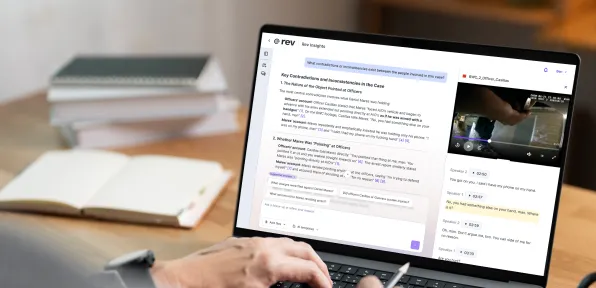

Draft & Edit Documents Where Evidence Lives
One click turns any finding into a memo, brief, or case summary — fully editable, without losing a single citation.
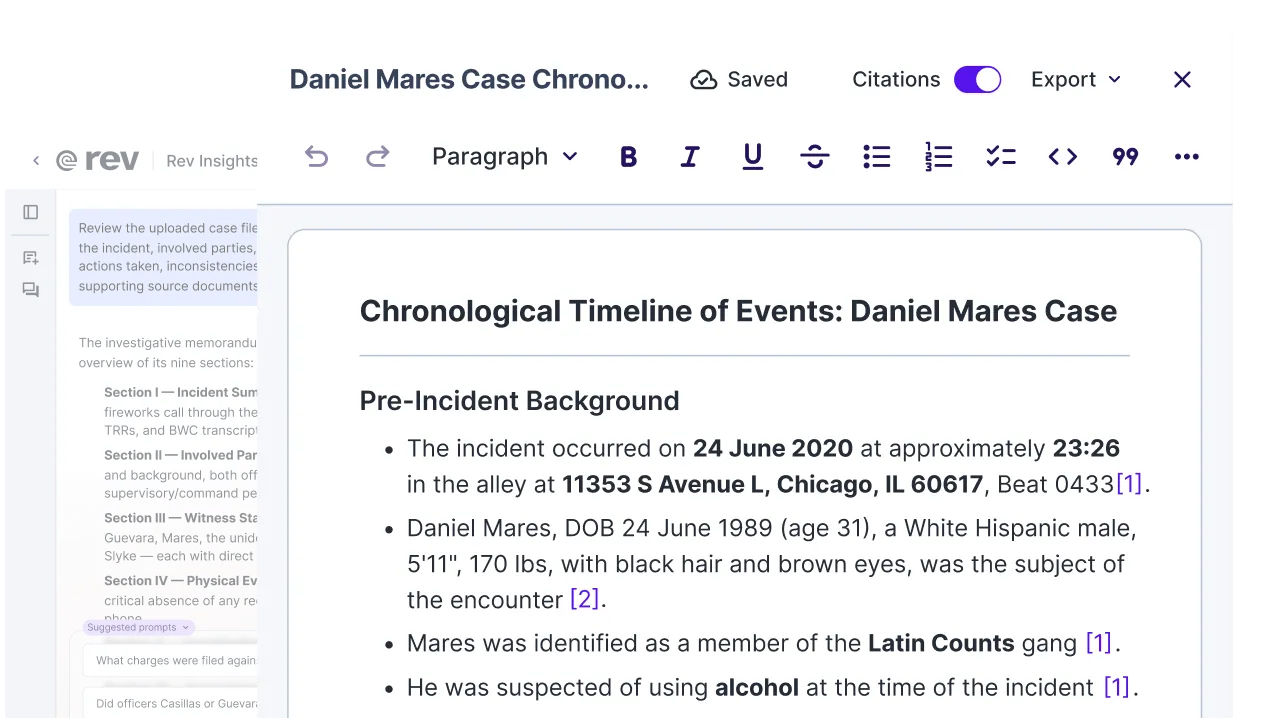
Every Draft Starts With The Evidence, Not A Blank Page
One-Click Drafting
See a finding worth writing up? Hit ‘Draft Document’ and Rev pulls it straight into a new file — open in the editor, ready to go. No more copying pieces into a separate doc by hand.
Full Editing Control
Rewrite a section, turn a line into a quote, move things around — it's your document from the first draft. Every edit happens right in Rev, not somewhere else.
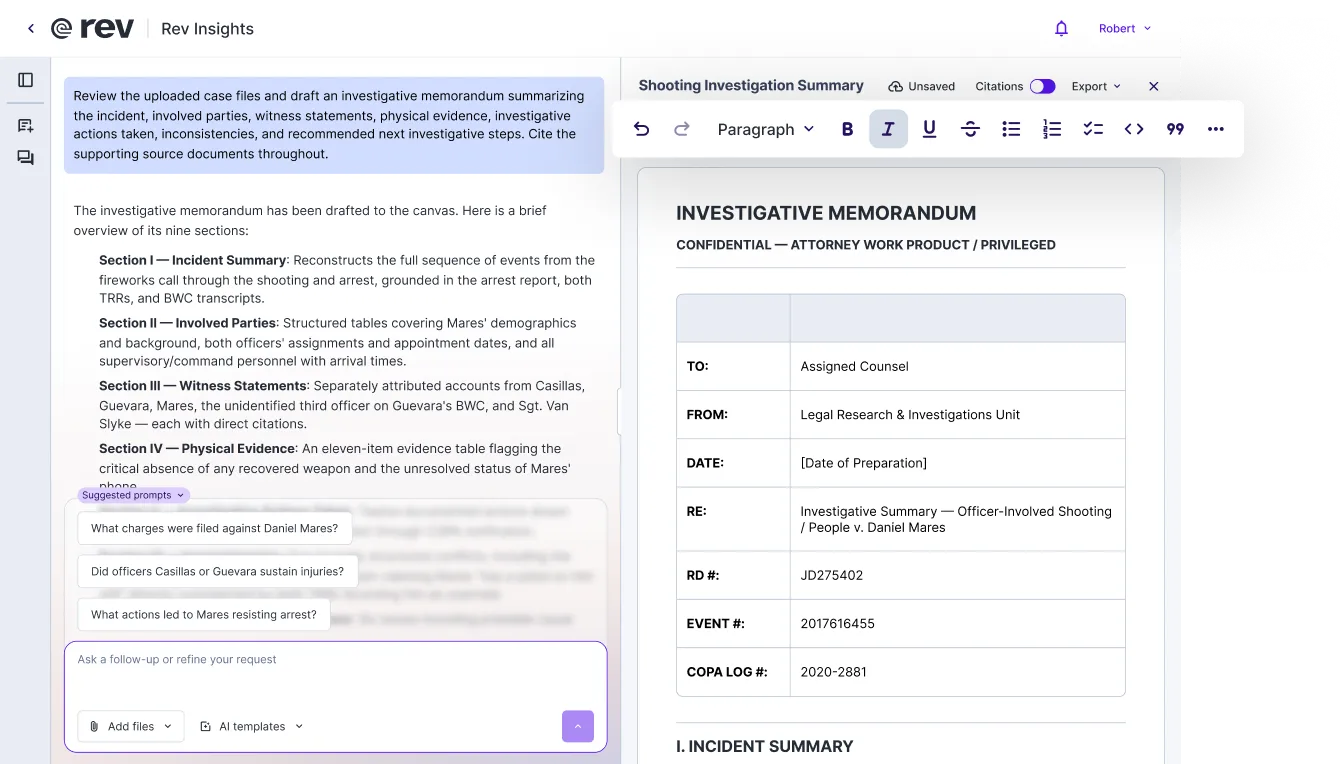
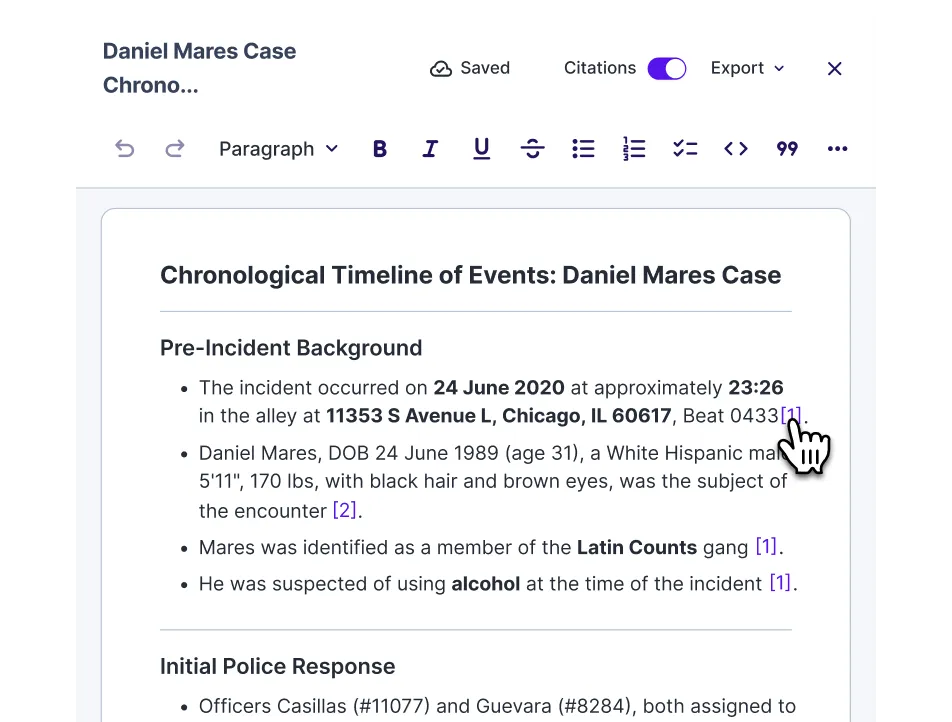
Citations, Built In
Every point in your draft keeps its citation — see exactly where it came from, at a glance. Want them in the final version? Leave them in. Don't need them for this one? Toggle them off.
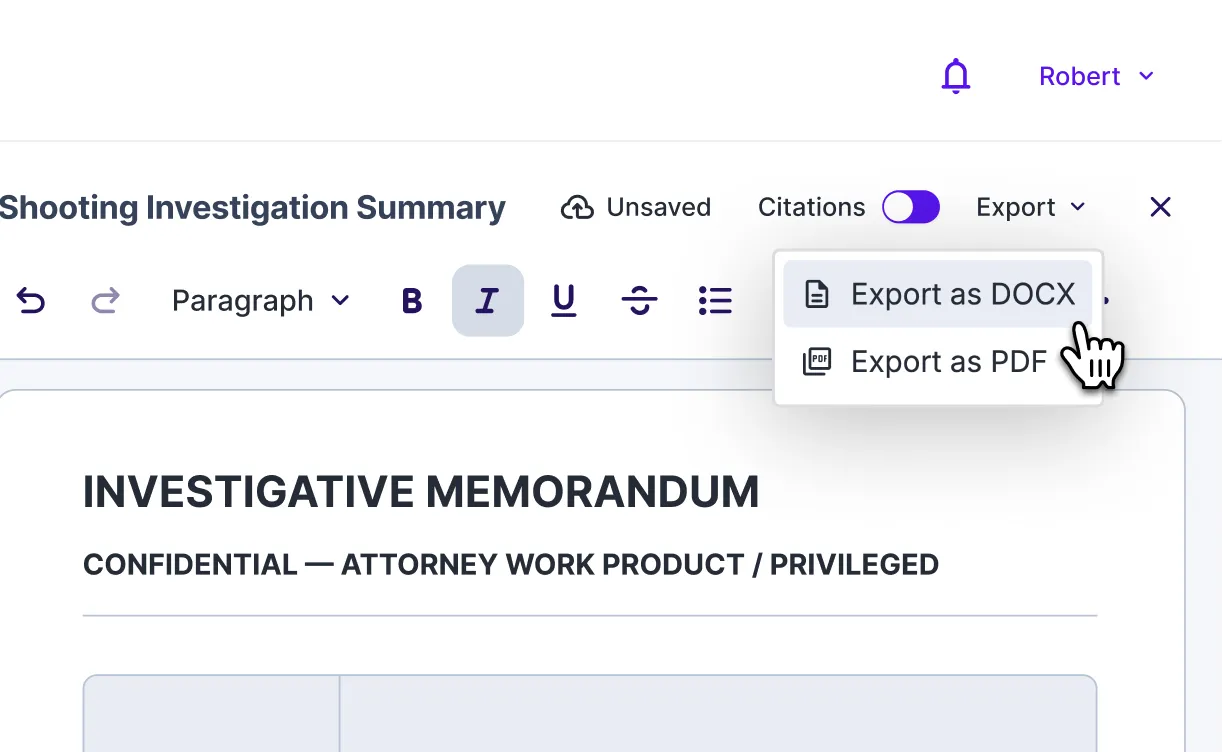
Export, Ready To Go
When it's ready, export your legal brief or other document straight to PDF or Word — formatted and ready to send, file, or share.
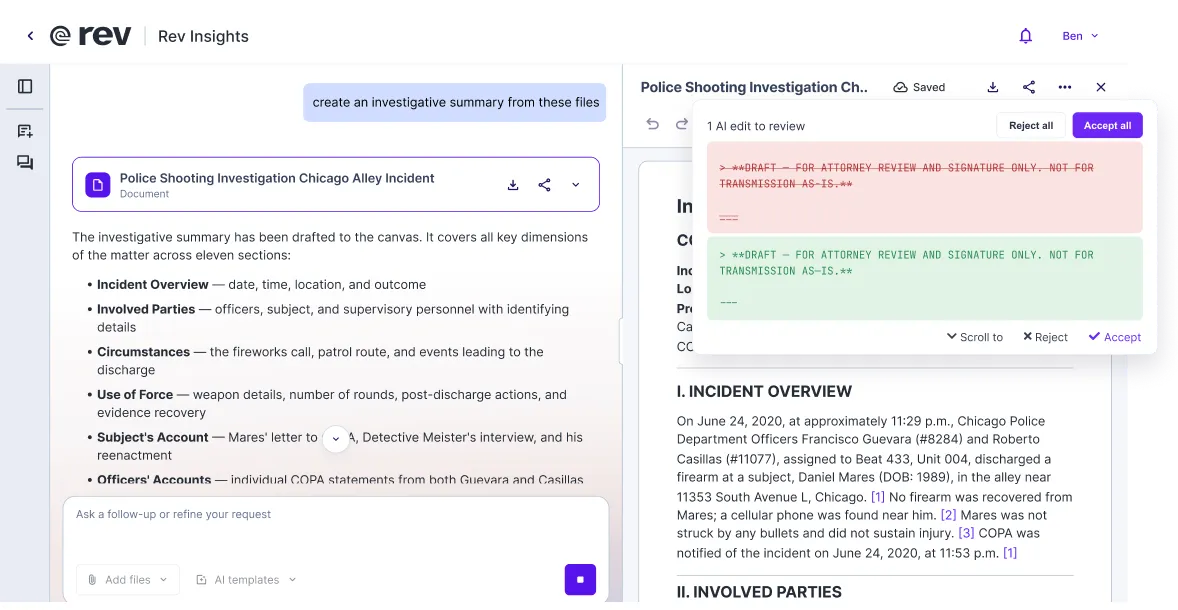
Agentic Editing
Describe what you need, and Rev's agentic model creates it directly — no copying a chat response into a document yourself. Say "create an investigative summary from these files" and Rev drafts it from scratch. Say "edit the file to say the incident occurred at 11:30 PM" and Rev updates the draft on the spot. Not live today, but on the way soon.
“Rev is such an important tool of my practice because it has cut down on the time I spend going through evidence.“
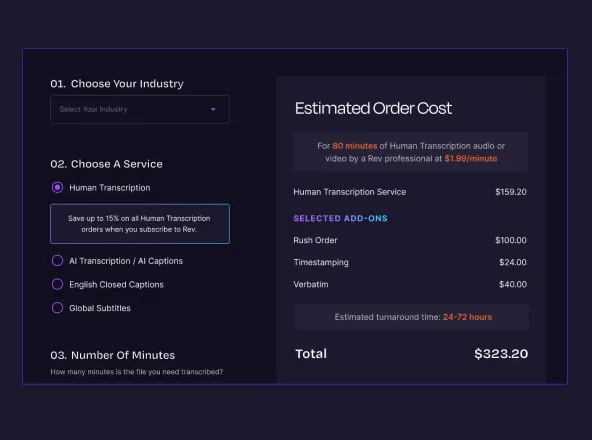
Draft Stronger With A Rev Subscription
Get the advantage with Rev — document drafting, multi-file analysis, and powerful workflow automation, all in one place for less.
Essentials
Pro
Unlimited
Free
Need legal-formatted transcripts? Those are produced by legal-trained experts at higher accuracy and priced-by-the-page.