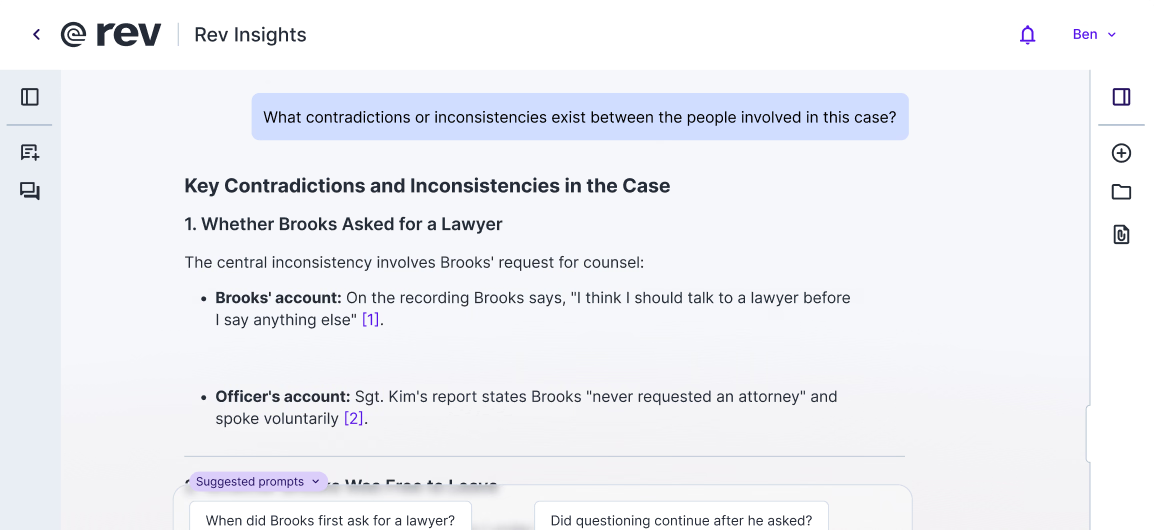
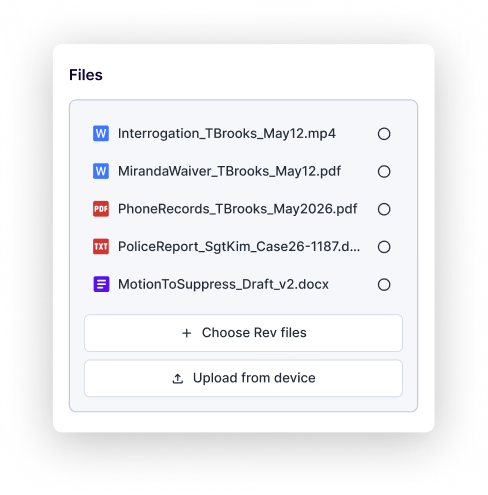
Connect Every Detail
Review Files With the Case Details Beside Them
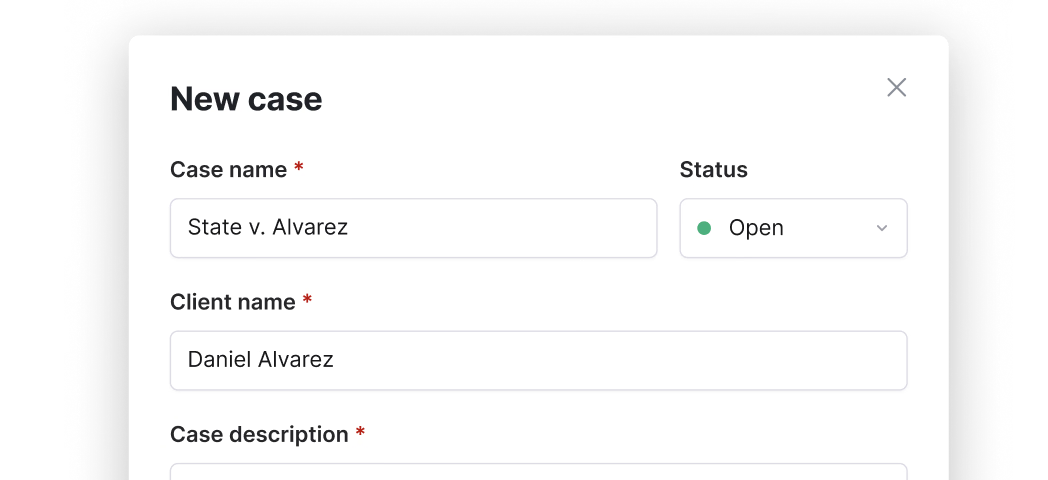
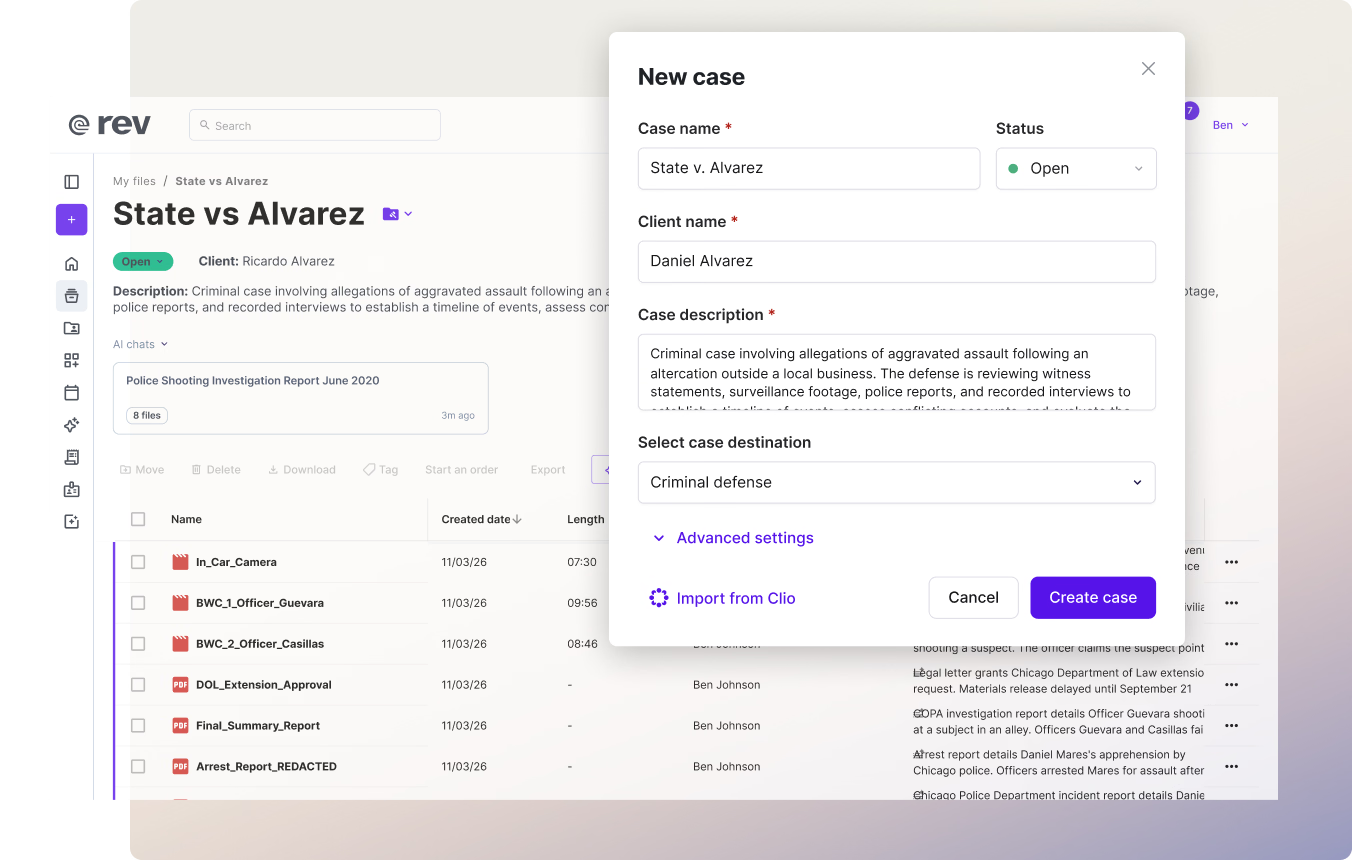
Add the client, case number, status, key dates, and notes to each case, so the background stays with the files.
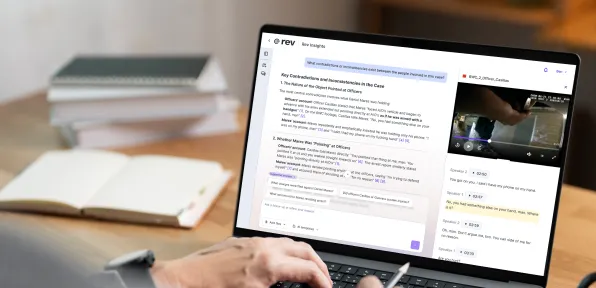

Introducing Cases
Bring a matter’s documents, transcripts, exhibits, and correspondence together. Linked chats keep those files in context as you work.
Trusted by Teams Handling High-Stakes Cases











Link a chat to your case once. It keeps every file in context for your next session.
Connect Every Detail
Add the client, case number, status, key dates, and notes to each case, so the background stays with the files.
Clio Integration
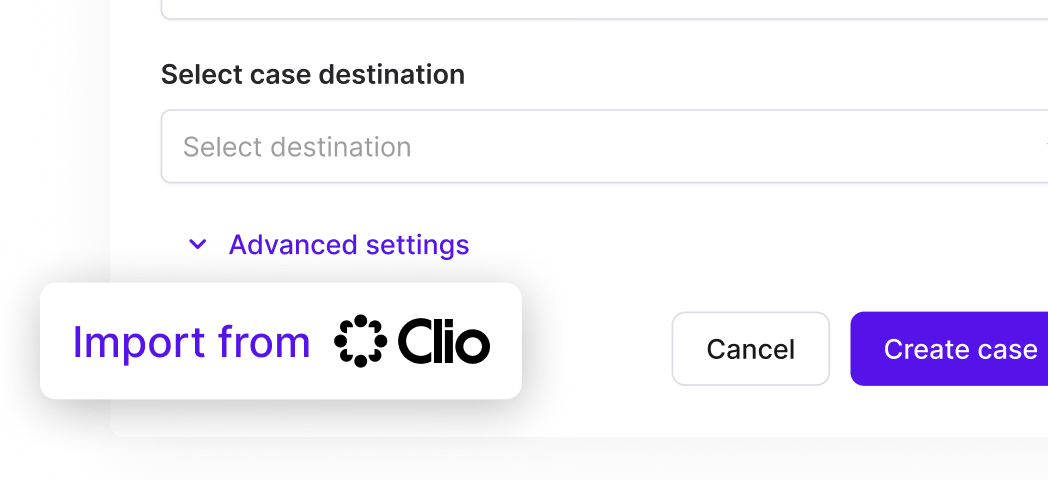
Imported matters arrive with their details already filled in.
Case Sharing
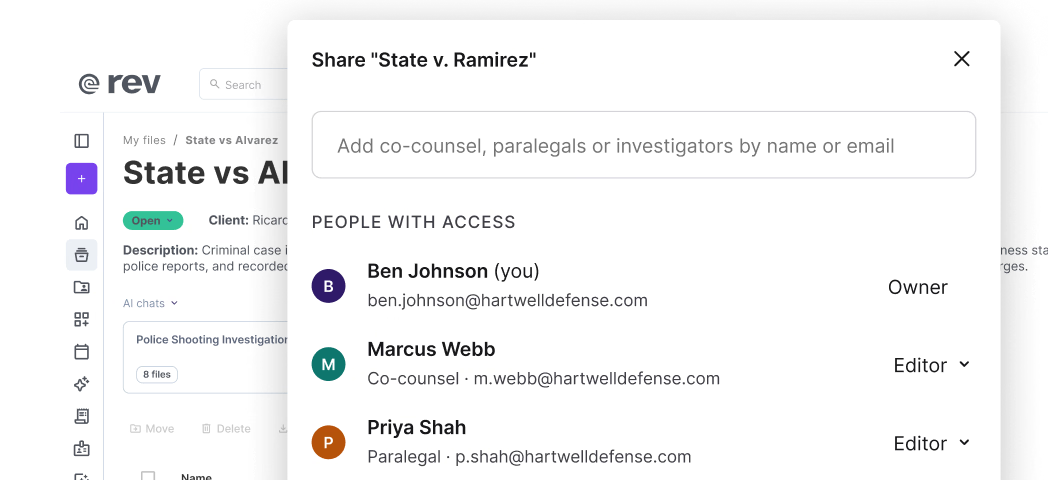
Coming SoonGive colleagues view-only access to the case’s files and linked AI chats.
For Non-Legal Teams
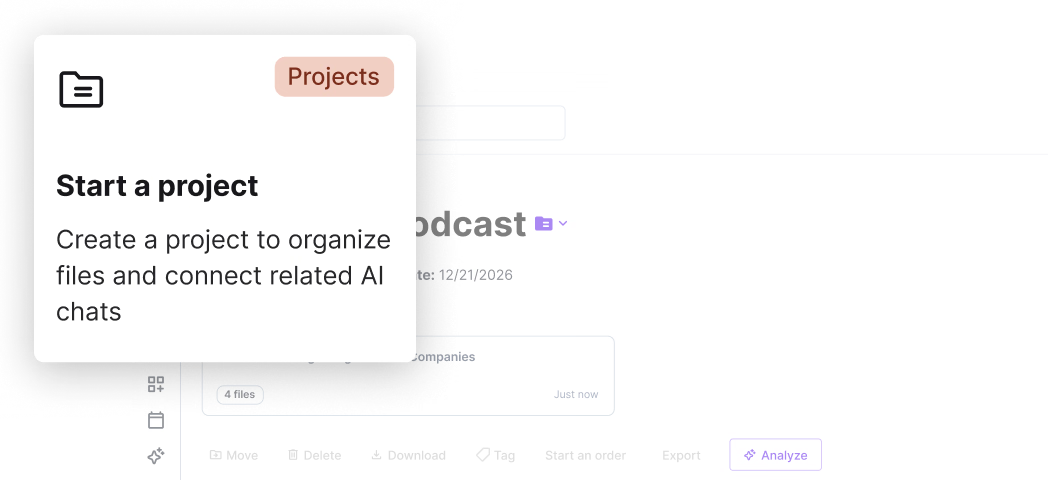
Projects have the same capabilities as Cases, with fields for your work instead of legal matter details.
The Rev Platform
Cases
More Tools Across Rev
Transcription
Multi-File Evidence Analysis
Image Analysis
Investigative Workflows
Document EditorBeta
Video Clipping
AI Notetaker
Rev Mobile App
Get a Walkthrough of Rev

“My associate was like, you don’t have paper, you don’t have your cross-examination notes. I said, no, it’s all in Rev.”
Craig Greening
Founder
The Greening Law Group
Security
No Data Sold to 3rd Parties

HIPAA Available
CJIS and HIPAA compliance are available on Unlimited plans. HIPAA requires a signed BAA.